
Making Smartphones a Lifeline (Not a Liability)
A simple 3-step guide for families caring for someone with memory loss.
Smartphones can help older adults stay connected, independent, and safe. But when memory changes, the same phone can also become confusing, frustrating, or risky.
This guide will walk you through three practical steps to help make your loved one’s phone safer, simpler, and more supportive.
1. Build A Circle
2. Protect Against Scams
3. Simplify the Phone



Step 1:
Build a Trusted Circle
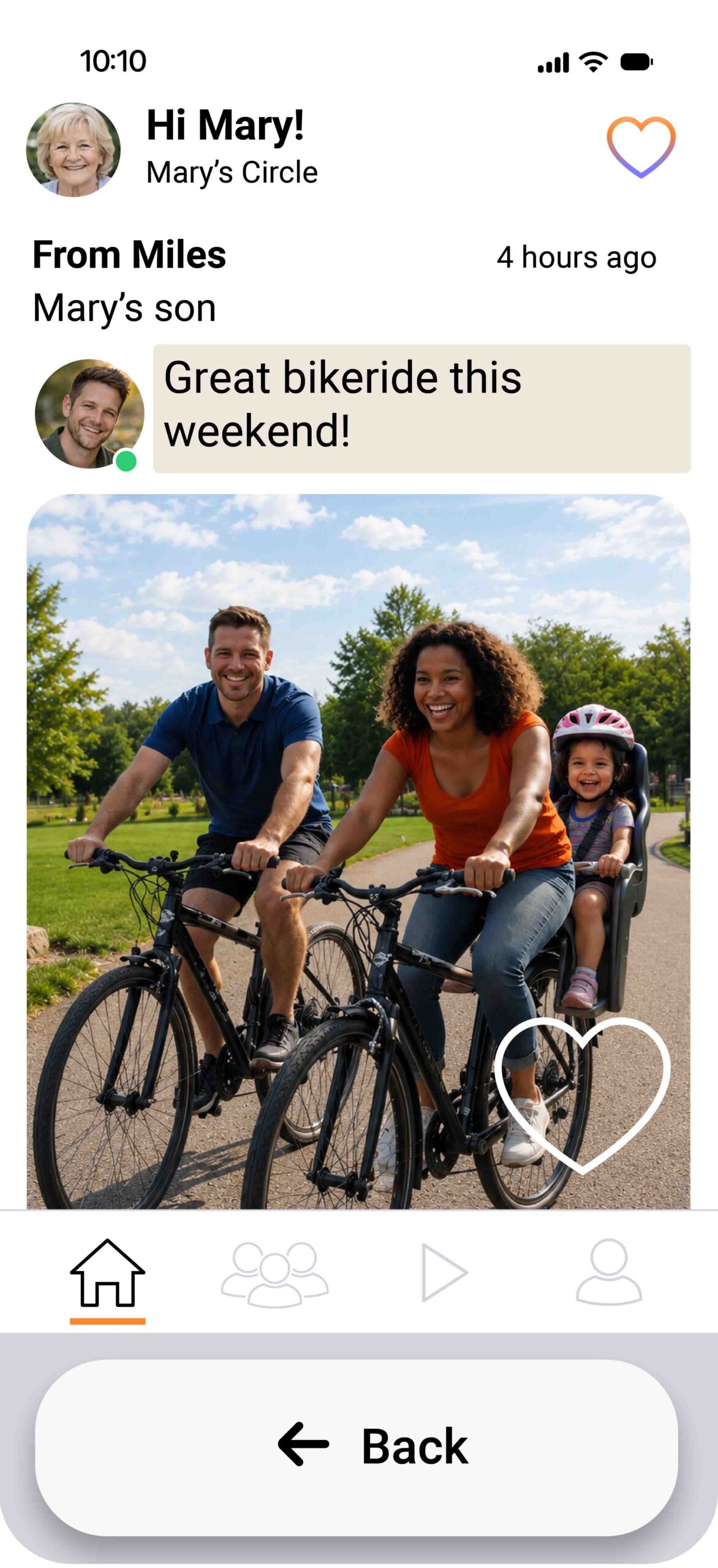
Trusted Life Circle is a private, cognitive-friendly social app designed for individuals experiencing cognitive impairment, their friends, family, and caregivers.
What to do:
- Download Trusted Life Circle on your phone and on the phone of the person you care for.
- Create a private Circle
- Invite trusted family members, close friends, or caregivers who should be able to share photos, videos, and updates.
Step 2:
Protect Against Scams, Spam, and Financial Theft
People experiencing memory loss can be more vulnerable to scam calls, confusing texts, suspicious links, and financial manipulation.
What to do:
- If your person uses an iPhone, put the phone in Assistive Access mode.
- If your person uses an Android, reduce scam calls and unwanted messages by placing their phone in a custom “do not disturb” setting.
- Remove saved payment methods where needed, review subscriptions, and make sure banking, email, and shopping apps are protected.
- Watch our phone-specific security tutorials on our youtube channel for a thorough step-by-step guide.
Watch Tutorials:
Step 3:
Simplify and Dementia-Proof the Phone
The goal is not to take the phone away. The goal is to make it easier, safer, and less overwhelming.
What to do:
- Remove unnecessary apps and distractions
- Keep only the tools your loved one truly needs, such as phone, messages, camera, photos, maps, and Trusted Life Circle.
- Increase text size, simplify the home screen, reduce notifications, and make important contacts easy to find.
- iPhone, Samsung, and Pixel phones all offer settings that can help reduce confusion and support safer phone use, watch the tutorials we made on our youtube channel for a thorough step-by-step guide for each phone.
Interested in more?
We are developing technology and tutorials for the digital side of caregiving.
Join our Email List
We built this becuase of my mom.
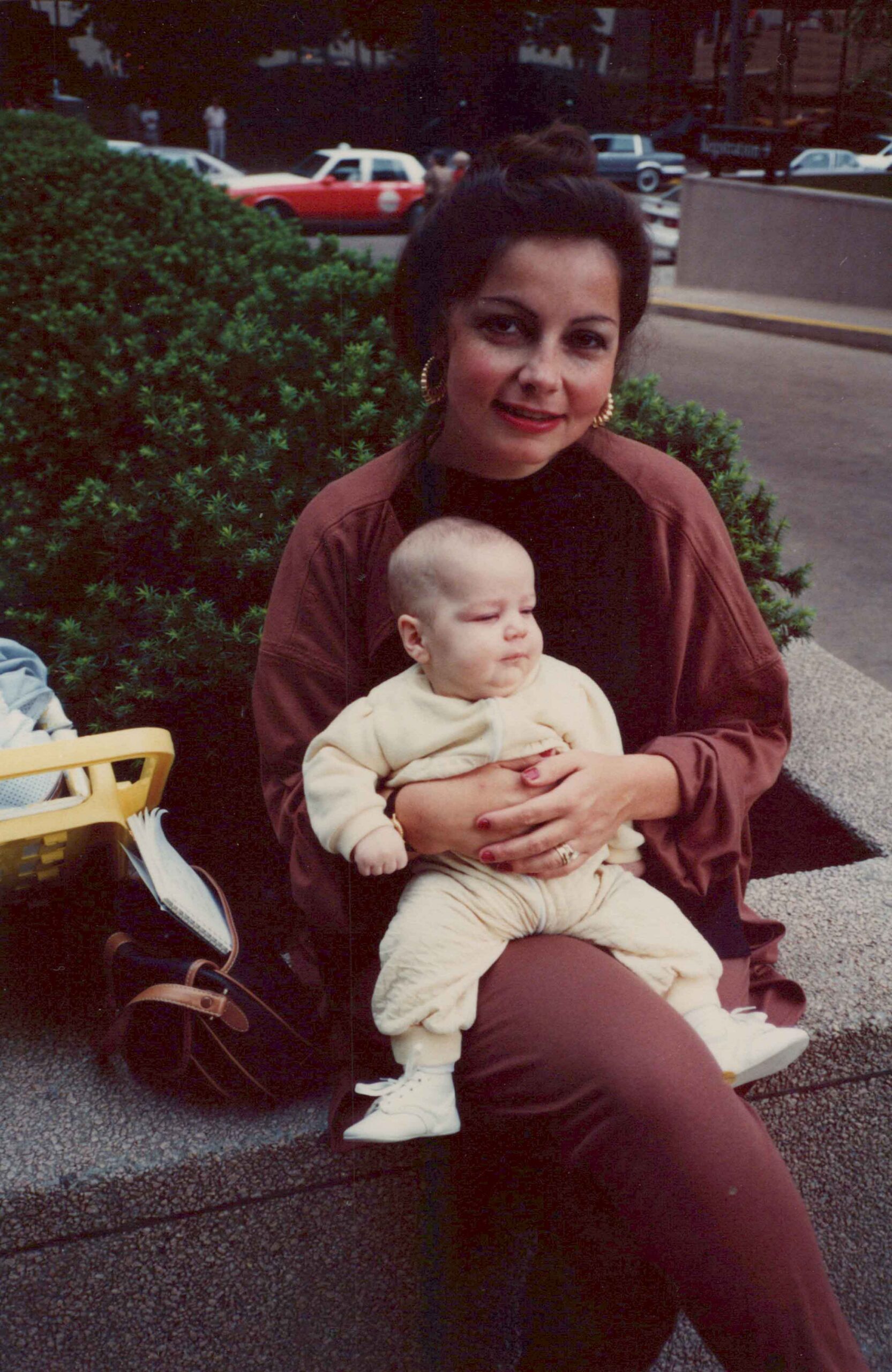
When my mom developed Alzheimer’s, her phone was still familiar.
Public social media wasn’t.
So we built a private place where the people who care about her could simply share photos and videos.
That’s Trusted Life Circle.
—Andy Reiland
CEO and Co-founder, Trusted Life Circle
How it Works
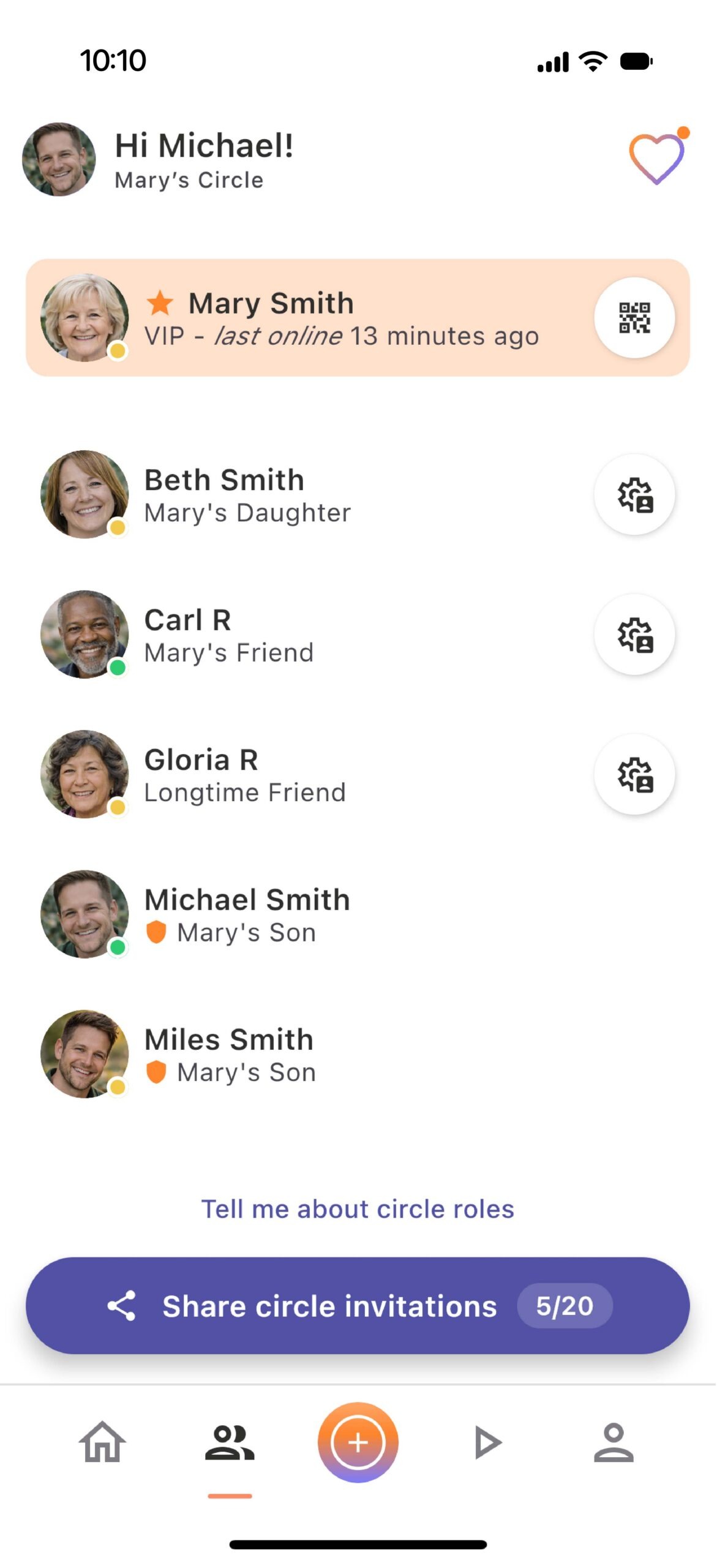
1. Create a circle
2. Invite close friends and family
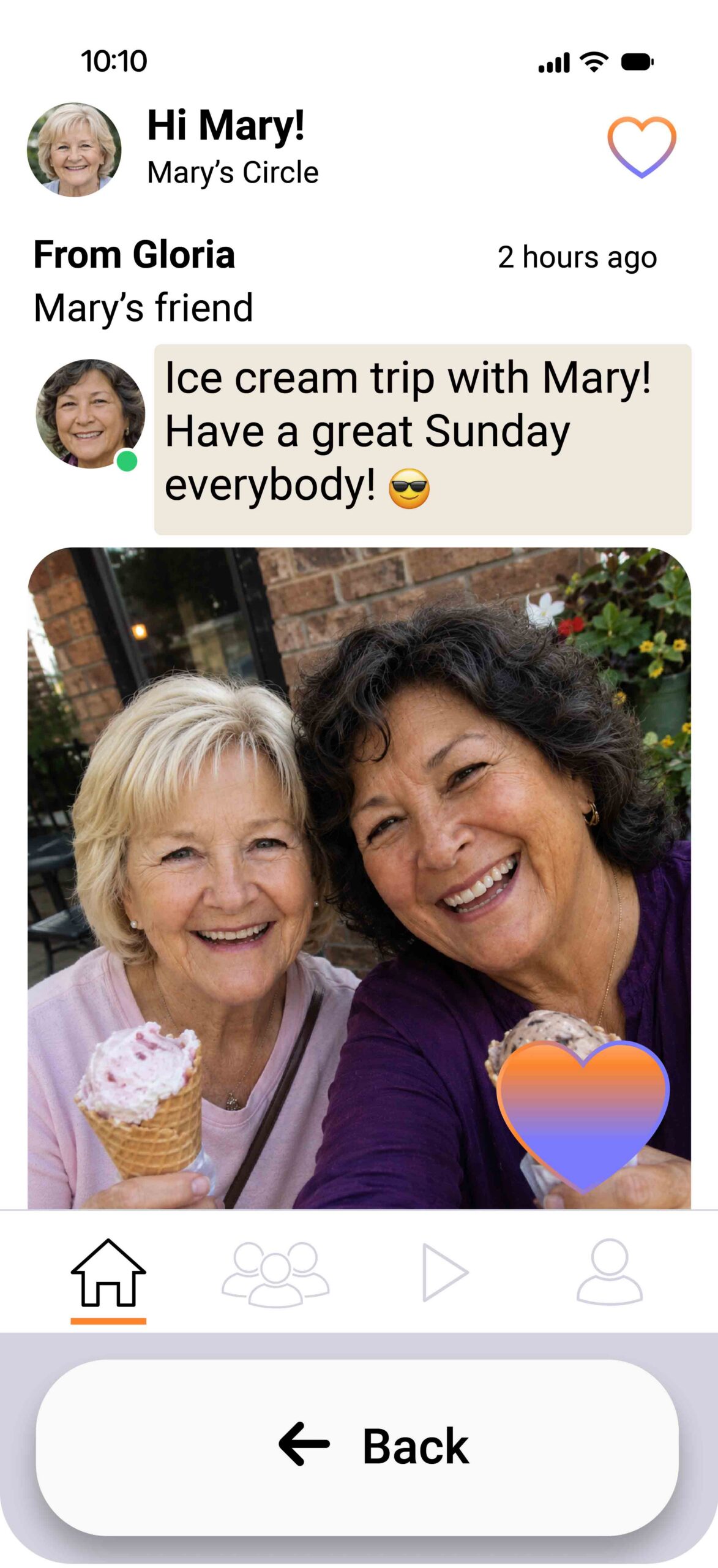
3. Share photos privately
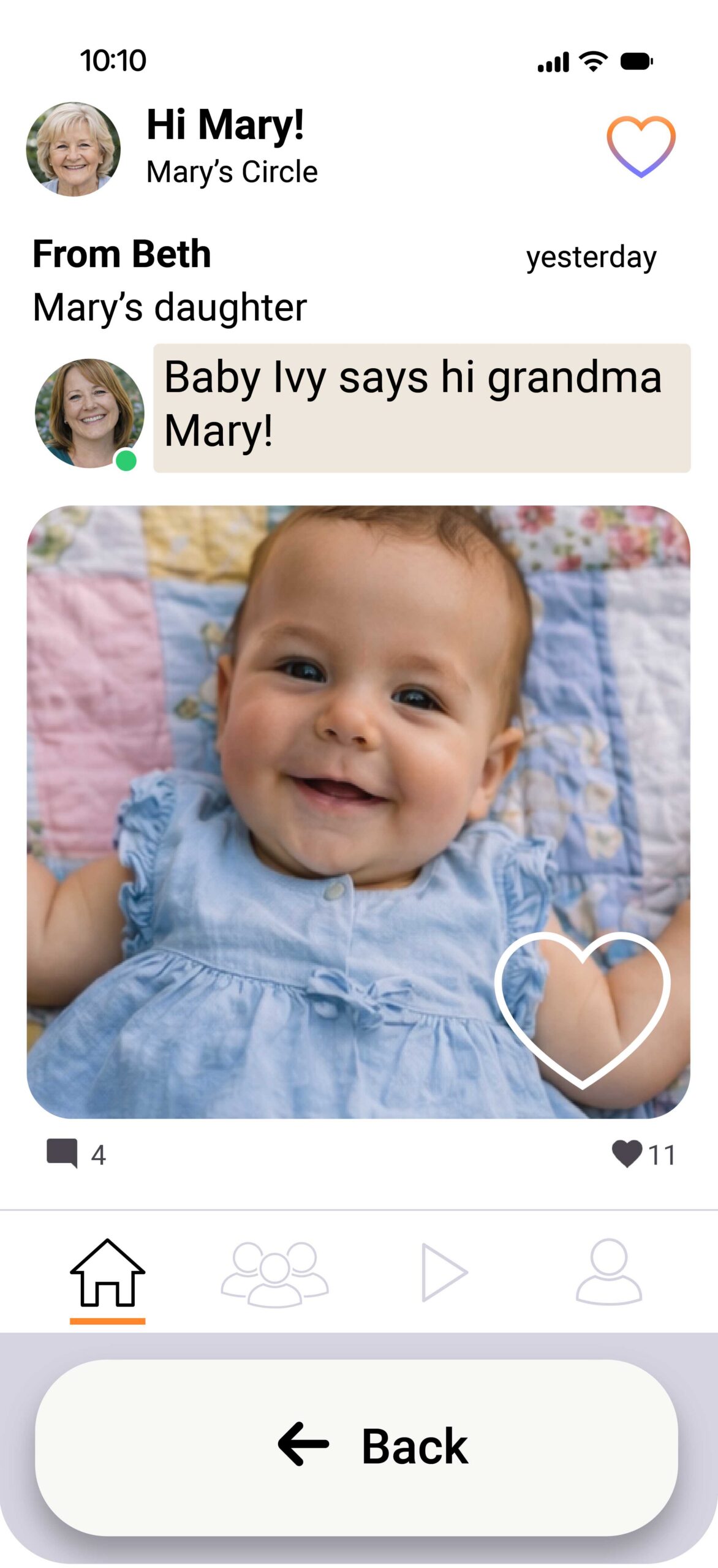
Free to Start
Create a private circle and share photos at no cost.
Private by design
No strangers, no public profiles, no ads.
Built by family caregivers
Made to support connection, not replace it.
Start Your Trusted Life Circle Today